
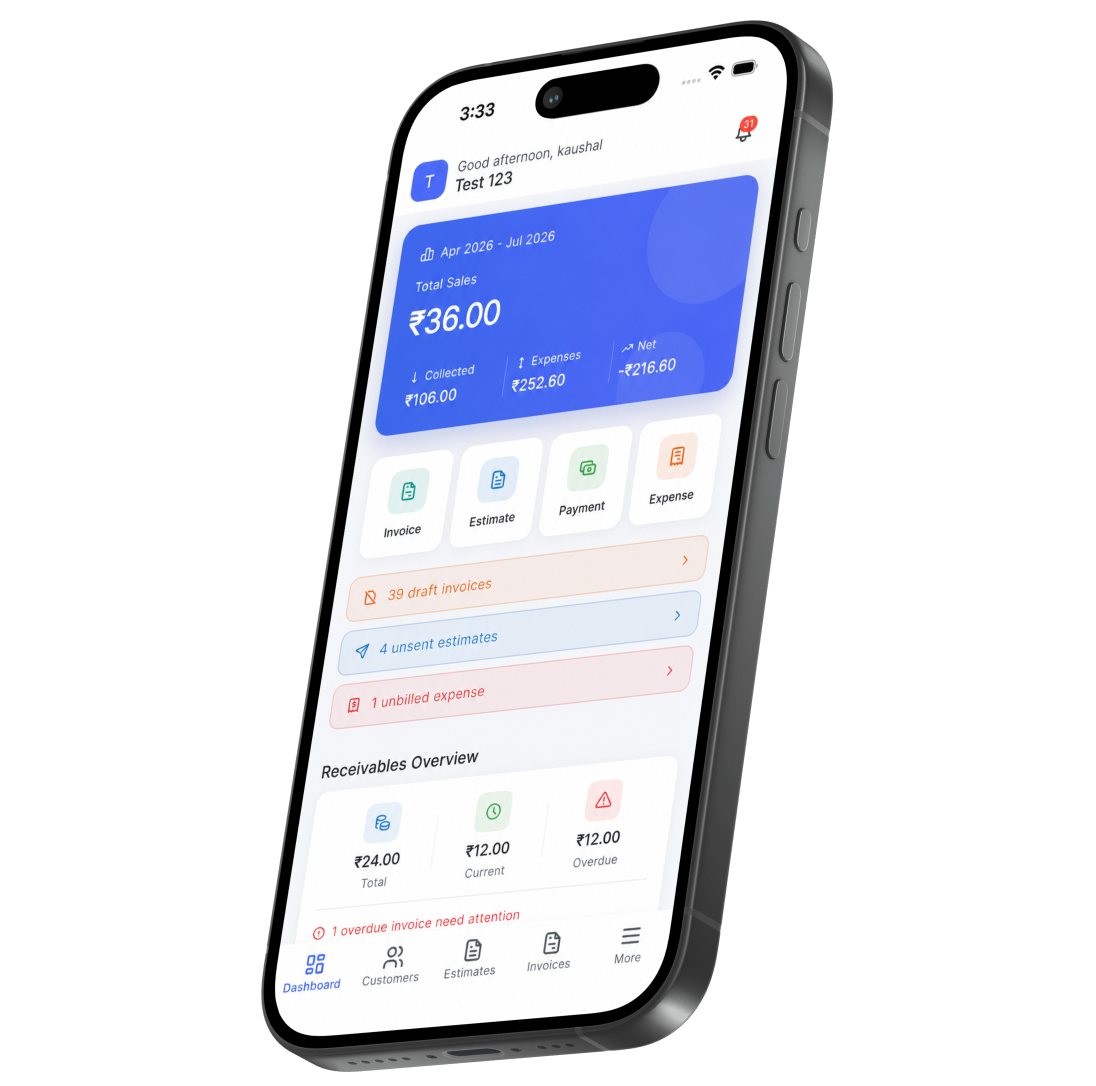
How it works
Start billing from your phone in three steps
Sign in with the account you already have and your data is there.
Step 01
Install and sign in
Install the app and sign in with your existing Pinvoice account. Your customers, items and tax settings are already there.
Step 02
Bill from anywhere
Create an invoice or quote from your saved items, apply the right GST automatically, and send it by email before you leave.
Step 03
Record and review
Record what has been paid, issue a receipt, and check outstanding balances without opening a laptop.
Built for working away from a desk
Everything you need away from the desk
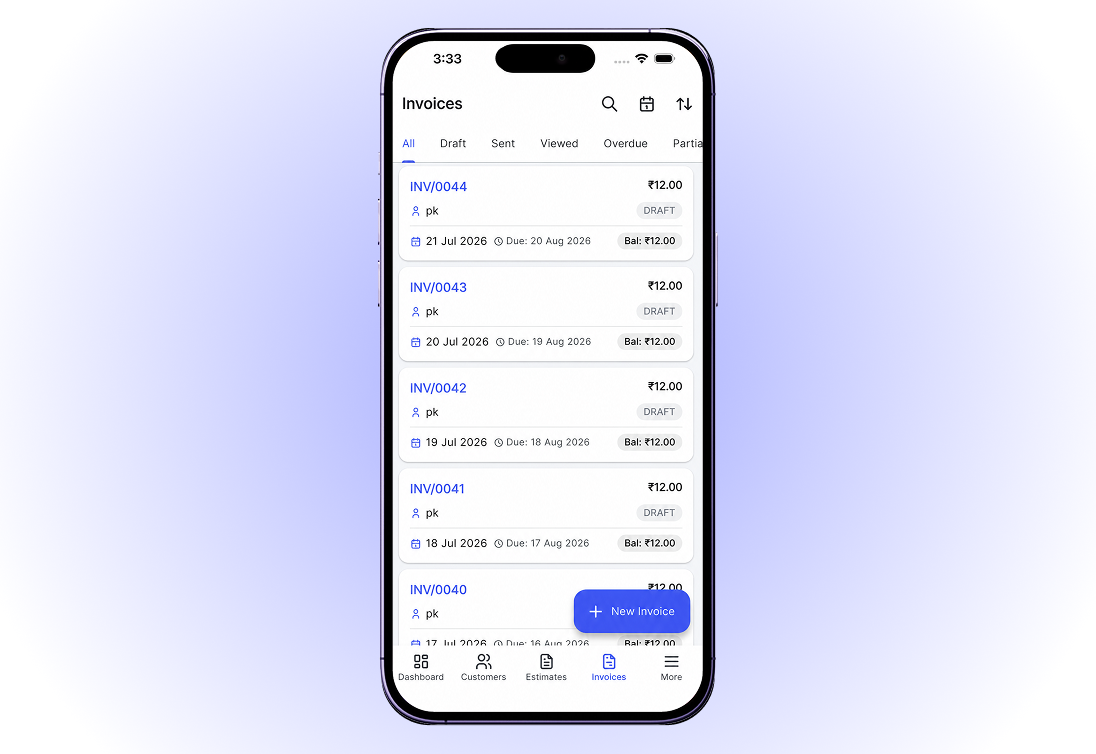
Invoices raised on site
Your saved items travel with youRates, units, HSN and SAC codes and GST slabs are already on the phone, so an invoice raised on site is as accurate as one raised at a desk.
Send it before you drive awayShare the invoice as a PDF over email while you are still with the customer, which is when it is most likely to be paid.
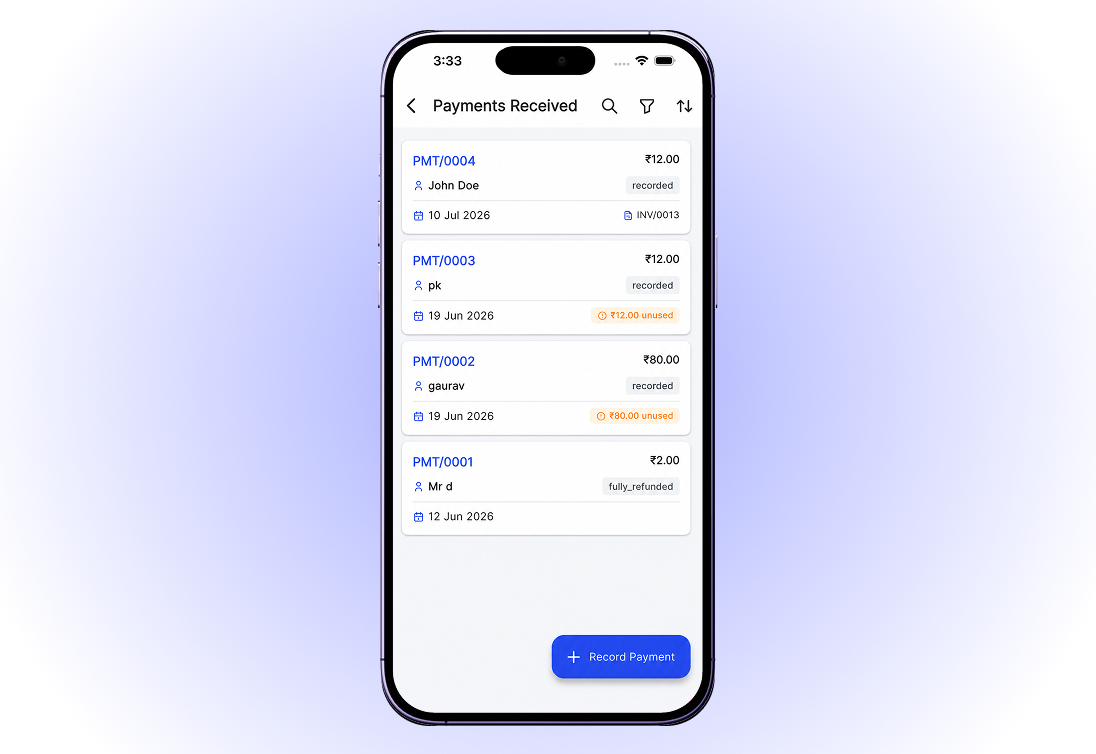
Payments logged as they arrive
Mark it paid on the spotRecord UPI, cash, cheque or bank transfer against the invoice the moment the money arrives, so your outstanding figure is never a day out of date.
Hand over a receipt immediatelyGenerate a dated receipt on the phone and send it, which most domestic customers want and few businesses bother to provide.
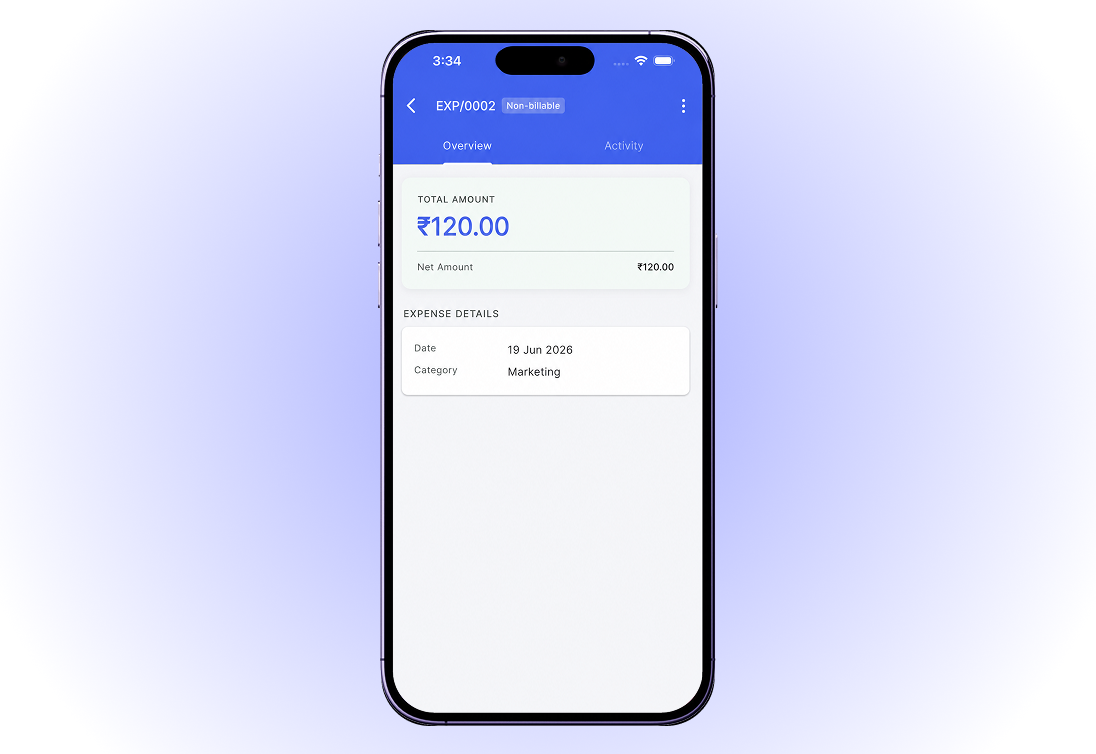
Receipts captured before they are lost
Photograph the bill on the spotCapture fuel, materials and travel receipts with the camera and they are filed against the expense before the paper goes missing.
Rebill it laterTag the cost to a client and mark it billable, and it is offered the next time you invoice them.
The same data, everywhere
One account, every deviceAnything you do on the phone appears on the web app straight away, and the other way round. There is no separate mobile database to reconcile.
Pick up where you left offStart a quote on the phone and finish it at a desk, or the reverse, without exporting anything.
All in one place
One platform that goes beyond the app
The app and the web app are the same account. Nothing is separate.
Quotes & estimates
Send quotes and convert approved ones into invoices in one click.
Credit notes
Issue GST-safe credit notes for refunds and adjustments.
Expense tracking
Record business expenses and rebill them to clients.
Items & pricing
Save products with rates, HSN/SAC codes and GST slabs.
Contacts
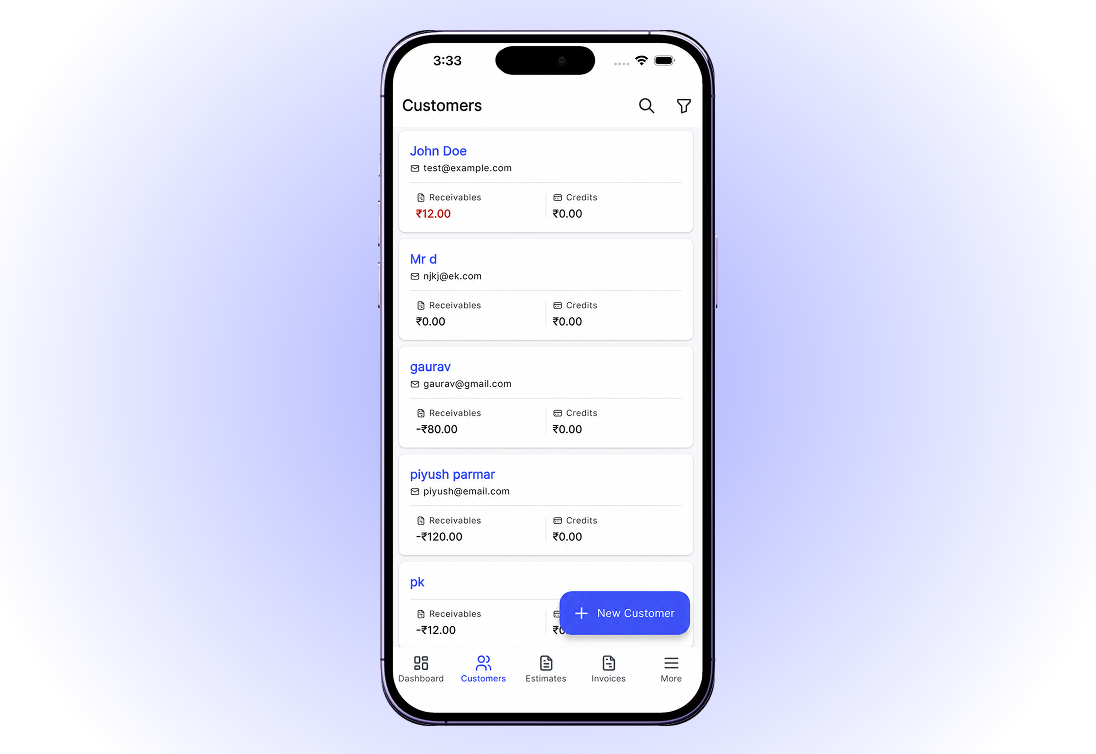
Keep customer GSTINs, history and balances in one place.
Users & roles
Invite your team and accountant with the right permissions.
Payments
Record UPI, bank transfer, cheque or cash against an invoice and watch the outstanding balance update straight away.
For every kind of business
Mobile invoicing for your line of work
However you earn, billing from your phone works the same way.
Your billing, in your pocket
Pinvoice keeps billing moving when you are not at a computer. Free, forever.
Free foreverNo credit cardCancel anytime
FAQ
Android app questions, answered
Is the Android app free?
Yes. The app is free and so is the account behind it. There is no per-invoice fee, no premium tier gating the basics and no credit card needed to start.
Do I need a separate account for the app?
No. Sign in with the same Pinvoice account you use on the web. Your customers, items, tax settings and history are all there the moment you log in.
Does it work offline?
The app needs a connection to sync. If you regularly work somewhere without signal, draft the details and send once you are back in coverage.
Can I take payments through the app?
No. Pinvoice records payments you have already received, it is not a payment gateway and never handles card or bank credentials. Collect however you normally do, then log it against the invoice.
Is it GST-compliant on mobile?
Yes. The same tax rules apply, so intra-state supplies split into CGST and SGST and inter-state supplies use IGST, based on the customer you select.
What Android version do I need?
The app targets currently supported Android versions. If your device is several releases behind, use the web app in your mobile browser instead, which works on any modern phone.